
Planning the trip is one thing. Turning all your ideas into a daily schedule that actually works is another.
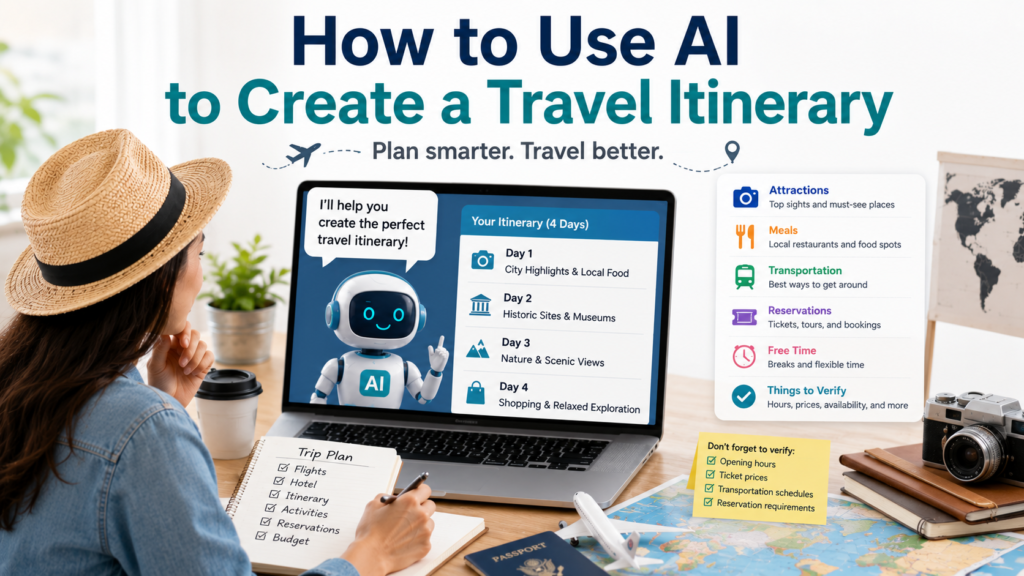
You can use AI to create a travel itinerary that organizes attractions, meals, transportation, reservations, and free time into a realistic plan.
The key word is realistic.
A useful itinerary should not send you across the city three times in one day or fill every hour with another attraction. It should group nearby places together, allow time to eat and travel, and leave enough flexibility to enjoy the trip.
A Simple Way to Use AI to Create a Travel Itinerary
Start by giving AI the information that actually affects your schedule.
Create a realistic [NUMBER]-day travel itinerary for [DESTINATION].
We are staying near [AREA OR HOTEL].
Our main interests are [FOOD / HISTORY / NATURE / SHOPPING / ART / ETC.].
Our travel pace is [RELAXED / MODERATE / BUSY].
Places we definitely want to visit:
[LIST]Group nearby attractions together to reduce unnecessary travel.
Include reasonable time for transportation, meals, breaks, and unexpected delays.
Do not schedule every minute.
Clearly mark any opening hours, ticket requirements, transportation schedules, or reservation details that I should verify before the trip.
This gives AI enough information to build around your trip instead of producing another generic “Top 10 Things to Do” list.
Group Nearby Places Together
Location can make or break an itinerary.
Suppose you want to visit six attractions in Paris. A weak AI itinerary might simply arrange them by popularity.
A better itinerary groups places geographically.
Ask:
Review my list of places and group attractions that are close enough to visit on the same day.
Minimize unnecessary travel across the city.
Explain briefly why you grouped them together.
You can then verify actual travel times with a current mapping or transportation service.
This simple step can turn an exhausting schedule into a much more enjoyable one.
Tell AI How Fast You Like to Travel
Not everyone wants the same kind of vacation.
A busy itinerary might include several major attractions each day.
A moderate itinerary might include two major activities plus meals and neighborhood exploration.
A relaxed itinerary might focus on one main attraction and leave much of the day open.
Tell AI directly:
We prefer a relaxed trip. Schedule no more than two major activities per day and leave time for cafés, walking, meals, and spontaneous stops.
This is much more useful than letting AI decide what a “good day” should look like.
Build Travel Time Into the Day
One of the easiest ways to create an unrealistic itinerary is to ignore transportation.
If one attraction ends at 11:30 and the next begins at 11:30 across town, the schedule does not work.
Ask AI to show travel separately:
| Time | Plan |
|---|---|
| 9:00–11:00 | Museum |
| 11:00–11:30 | Travel to next area |
| 11:30–1:00 | Lunch |
| 1:00–3:00 | Neighborhood and attraction |
| 3:00–4:00 | Free time / break |
The exact transportation time still needs verification, but displaying it forces the itinerary to account for movement.
Don’t Schedule Every Hour
A vacation is not a business meeting.
A schedule like this may look efficient:
9:00 → 10:30 → 12:00 → 1:30 → 3:00 → 4:30 → 6:00
but one delayed train, long lunch, unexpected line, or interesting neighborhood can destroy the entire plan.
Instead, ask:
Leave at least one flexible block each day.
Do not fill every hour.
If an activity takes longer than expected, show me which later activity could easily be skipped or moved.
That creates an itinerary you can actually use.
Mark What Needs a Reservation
Some activities can be decided that morning.
Others may require advance tickets or reservations.
Have AI separate them:
Review my itinerary and mark each activity as:
Book in Advance
Check Before the Trip
Usually FlexibleDo not assume current availability. Tell me what information I need to verify.
This is also where your itinerary becomes more useful for actual booking.
Once you know what needs to be reserved, you can compare current options for accommodation, transportation, tours, tickets, and other travel services instead of searching for everything at once.
If you are still deciding where to stay, How to Use AI to Plan a Trip can help you first organize your destination, budget, accommodation area, transportation, and major priorities.
Add Meals Without Overplanning Them
AI-generated itineraries often recommend specific restaurants for every meal.
That can create another problem: restaurants close, hours change, reservations fill up, and recommendations may not fit your actual location when you get hungry.
A better approach is to plan meal areas first.
Try:
For each day, suggest a convenient neighborhood or area for lunch and dinner based on where we will already be.
Do not choose specific restaurants yet.
Tell me what type of food the area is known for and whether reservations may be worth researching.
Later, you can check current restaurant choices, menus, reviews, prices, and reservations.
This keeps the itinerary flexible while still helping you plan.
Create a Backup Plan for Bad Weather
Weather can quickly change a travel schedule.
You do not need a completely separate vacation plan, but having a few alternatives helps.
Ask:
Identify the outdoor activities in my itinerary.
For each one, suggest one nearby indoor alternative that could work if the weather is bad.
Keep the replacement in roughly the same area so the rest of the day does not need to be reorganized.
Museums, indoor markets, galleries, historical buildings, shopping areas, and other indoor attractions can make useful backup options depending on the destination.
Check current hours and ticket requirements before relying on the alternative.
Make the Itinerary Work With Your Budget
An itinerary affects spending.
A day containing a paid tour, expensive attraction, long taxi ride, and premium restaurant may cost much more than another day built around walking and free attractions.
Ask:
Review my itinerary for possible high-cost days.
Identify activities or transportation choices that may significantly affect the budget.
Suggest where I could research a lower-cost alternative without changing the overall experience.
Do not ask AI to invent current prices.
Instead, use it to identify what prices you need to compare.
That distinction becomes particularly useful when you later compare hotels, transportation, tours, attraction tickets, and other bookable travel options.
Turn the Plan Into a Booking Checklist
Once the itinerary looks good, convert it into something actionable.
Based on my final itinerary, create a booking checklist.
Include only items that may require payment, tickets, reservations, or advance confirmation.
Organize them into:
Transportation
Accommodation
Attractions & Tickets
Tours & Activities
Restaurants
OtherAdd a blank space for price and confirmation number.
Do not invent booking information.
Now your AI itinerary becomes more than an idea—it tells you what you actually need to research and reserve.
This is also the point where comparing real current prices, cancellation terms, reviews, locations, and included services becomes more important than asking AI for another recommendation.
Verify the Details Before You Go
Travel information changes constantly.
Before relying on your itinerary, verify important details such as:
- Opening hours
- Admission prices
- Reservation requirements
- Transportation schedules
- Travel time
- Temporary closures
- Hotel check-in policies
- Cancellation rules
- Entry requirements
- Local holidays
For international travel, the U.S. Department of State’s destination travel information provides country-specific information including entry requirements, safety information, local laws, and other travel considerations for U.S. travelers.
For attractions and transportation, check the appropriate official destination, attraction, or transportation provider whenever possible.
AI can organize the information.
It should not replace current booking information.
One Complete Travel Itinerary Prompt
Save this template and reuse it for future trips:
Create a realistic travel itinerary using the information below.
Destination: [DESTINATION]
Dates: [DATES]
Number of days: [DAYS]
Where I am staying: [AREA / HOTEL]
Travelers: [TRAVELERS]
Interests: [INTERESTS]
Must-see places: [PLACES]
Travel pace: [RELAXED / MODERATE / BUSY]
Approximate activity budget: [BUDGET]Build the itinerary using these rules:
- Group nearby attractions together.
- Minimize unnecessary transportation.
- Include realistic travel time between areas.
- Allow enough time for meals and breaks.
- Leave one flexible period each day.
- Do not overload the schedule.
- Identify activities that may require advance booking.
- Suggest nearby indoor alternatives for important outdoor activities.
- Flag expensive parts of the itinerary that I may want to compare.
- Clearly mark all current information that I should verify.
Do not invent prices, opening hours, transportation schedules, availability, or reservation requirements.
Present the final plan day by day in a simple table.
The first version does not need to be perfect.
Change one thing at a time:
Make Day 2 more relaxed.
or:
Move the museum to the rainy day.
or:
Reduce unnecessary transportation on Day 3.
That is much easier than rebuilding the entire trip.
Final Takeaway
When you use AI to create a travel itinerary, do not try to pack the maximum number of attractions into each day.
Build a schedule you can actually enjoy.
Group nearby places, include transportation and meal time, leave room for unexpected changes, identify what needs reservations, and create a backup for weather-sensitive activities.
Then verify current details and compare real booking options before spending money.
A good AI itinerary should not make your vacation busier.
It should make your trip easier to enjoy.