
Introduction
How to protect your privacy when using AI is becoming increasingly important as AI tools become part of everyday life.
People now use AI to write emails, summarize documents, plan trips, organize schedules, learn new skills, and solve everyday problems. These tools can be extremely useful, but they also encourage us to type or upload information without always thinking about where that information goes.
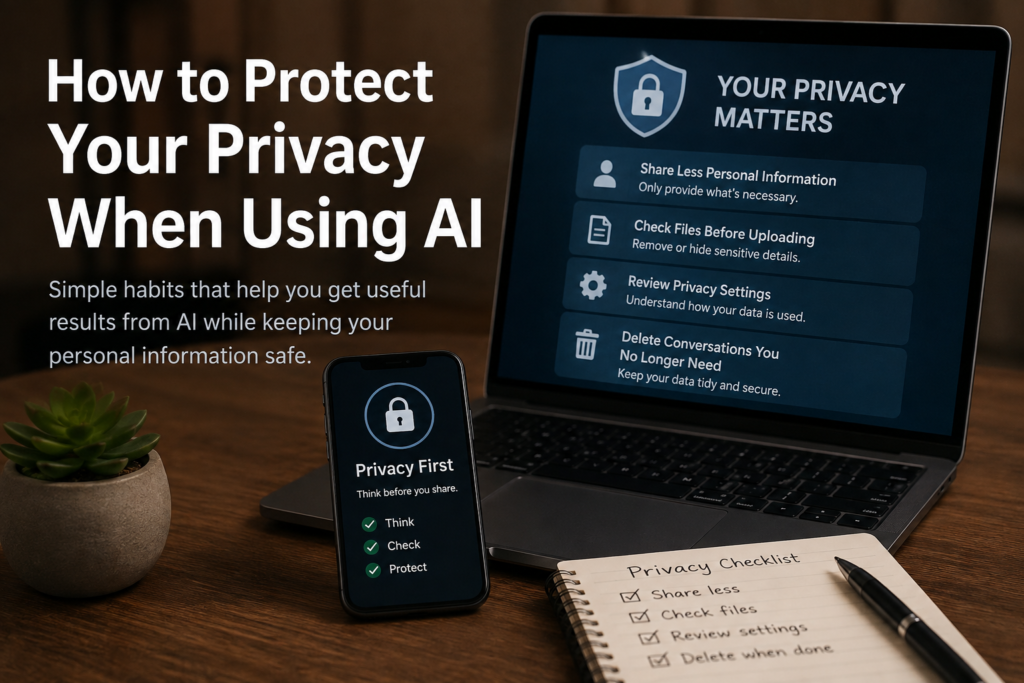
You do not need to stop using AI to protect your privacy. Instead, you need a few simple habits that reduce unnecessary exposure of personal information.
This beginner-friendly guide explains practical ways to protect your privacy while still getting useful results from AI.
1. Think Before You Type
The simplest privacy habit is also one of the most effective: pause before sending a prompt.
Ask yourself:
“Does AI actually need this information to answer my question?”
Often, it does not.
For example, imagine that you want AI to help you write a complaint about a billing problem.
You probably do not need to provide your:
- Full name
- Home address
- Account number
- Credit card number
- Phone number
- Password
Instead, describe the situation without identifying yourself.
The goal is to give AI enough context to help you without providing unnecessary personal information.
2. Know What Information You Should Never Share
Some types of information deserve especially strong protection.
Avoid entering passwords, PINs, Social Security numbers, financial credentials, passport numbers, authentication codes, and other highly sensitive information into a general-purpose AI chatbot.
Before using AI for personal tasks, understanding what information you should never share with AI can prevent many avoidable privacy mistakes.
This rule also applies to information belonging to other people.
A document may contain a customer’s phone number, an employee’s address, or a family member’s financial information. Their privacy matters too.
3. Replace Real Information With Placeholders
One of the easiest ways to protect your privacy is to replace identifying information with generic placeholders.
Suppose you want AI to improve this message:
“John Smith at 123 Main Street has not paid invoice 45678.”
Instead, write:
“[Customer Name] at [Address] has not paid [Invoice Number]. Please rewrite this message professionally.”
AI can still understand the task.
Useful replacements include:
[Name][Company][Address][Phone Number][Account Number][Customer][Amount]
This simple technique lets you provide useful context while reducing the amount of personal information you share.
4. Be Careful When Uploading Documents
Uploading files to AI can be convenient.
You might upload a PDF for summarization, a spreadsheet for analysis, or an image because you want AI to explain something.
But documents can contain more private information than you realize.
Before uploading a file, look for:
- Names
- Addresses
- Phone numbers
- Email addresses
- Account numbers
- Signatures
- Customer information
- Employee records
- Financial information
- Confidential business information
Ask yourself whether AI needs the entire document.
If you only need help with one paragraph, copying that paragraph and removing identifying details may be safer than uploading the complete file.
5. Check Screenshots Before Uploading Them
Screenshots deserve special attention because they can accidentally reveal information outside the area you intended to show.
A screenshot might contain:
- Your email address
- Browser tabs
- Account names
- Notifications
- Messages
- Order numbers
- Profile photos
- Location information
Before uploading a screenshot to an AI tool, look at the entire image.
Crop unnecessary areas and remove or cover sensitive information whenever possible.
This takes only a few seconds but can prevent accidental sharing.
6. Give AI Context, Not Secrets
Good AI answers often require context.
But useful context and private information are not the same thing.
Suppose you want help planning a family vacation.
Useful context might include:
- Number of travelers
- Approximate budget
- Destination
- Number of days
- Activities you enjoy
AI probably does not need:
- Passport numbers
- Credit card numbers
- Home address
- Airline account password
- Exact identification information
Learning how to write AI prompts can help you provide the information AI actually needs while leaving unnecessary personal details out.
7. Review the Privacy Settings of the AI Service
Privacy settings vary between AI services, so it is worth learning how the service you use handles conversations and personal data.
For example, ChatGPT offers privacy and data controls that allow users to manage certain data settings, delete chats, manage Memory, and use Temporary Chat. OpenAI says Temporary Chats do not appear in history, do not create memories, and are not used to train its models.
Privacy settings can give you additional control, but they should not replace careful behavior.
Even with strong privacy settings, avoid sharing sensitive information when the AI does not need it.
8. Delete Conversations You No Longer Need
If an AI service allows you to delete conversations, consider removing chats that contain information you no longer need to keep.
Deleting unnecessary conversations can be part of good digital housekeeping.
However, remember that deletion policies vary by service. Always check the provider’s official privacy documentation if you need to understand exactly how deletion works.
For ChatGPT, OpenAI provides information about deleting chats and managing data through its privacy controls.
9. Be Careful With AI at Work
Using AI for work can create additional privacy concerns.
Your employer may have rules about:
- Which AI services employees can use
- What information can be uploaded
- How customer information must be handled
- Whether confidential documents can be processed by AI
- Which approved business AI tools are available
Do not assume that because an AI tool is publicly available, it is automatically approved for confidential workplace information.
Follow your employer’s security and privacy policies.
When possible, remove identifying or confidential information before asking AI for help.
10. Do Not Share Other People’s Private Information
Protecting privacy is not only about your own data.
You may have access to private information about:
- Family members
- Friends
- Customers
- Coworkers
- Employees
- Students
- Clients
Before entering another person’s information into AI, ask whether it is necessary and whether you have a legitimate reason to share it.
In many situations, replacing the person’s real information with generic descriptions works just as well.
11. Be Careful With Health, Financial, and Legal Information
Some information is especially sensitive because it concerns important areas of your life.
You may want AI to explain a medical term, help you understand a financial concept, or simplify complicated legal language.
Those can be useful applications of AI.
But avoid providing unnecessary identifying information.
For example, instead of uploading an entire financial statement, you could ask:
“Explain what this type of fee means on a bank statement.”
Instead of including personal identifiers in a legal document, remove names, addresses, case numbers, and other identifying details when possible.
AI can often explain the general concept without knowing who you are.
12. Verify Unexpected Requests for Personal Information
AI-powered scams can make fraudulent messages more convincing.
A scammer may use AI to create realistic emails, messages, images, or even voices.
Be suspicious when someone unexpectedly asks for:
- Passwords
- Verification codes
- Money
- Banking information
- Identification documents
- Personal information
Do not provide sensitive information simply because a message sounds professional or appears urgent.
Verify the request through another trusted method.
A Simple Privacy Check Before Using AI
Before sending a prompt or uploading a file, ask yourself four questions:
Does AI really need this information?
Can I remove names, numbers, or identifying details?
Could I replace real information with placeholders?
Would I be comfortable if someone else saw what I am about to submit?
If the last answer is no, reconsider what you are sharing.
Privacy and AI Safety Go Together
Privacy is one part of responsible AI use.
You should also think about accuracy, security, scams, and how much you rely on AI when making important decisions.
Learning how to use AI safely helps you combine privacy protection with other good AI habits.
The goal is not to become afraid of AI.
The goal is to use it thoughtfully.
Final Thoughts
Protecting your privacy when using AI does not require advanced technical knowledge.
Most of the best habits are simple: share less personal information, remove identifying details, check files before uploading them, review privacy settings, and think before sending a prompt.
AI usually needs context to help you.
It rarely needs your secrets.
By making privacy checks part of your normal routine, you can continue enjoying the benefits of AI while reducing unnecessary risks.